
Course, intake, sponsor and goal details arrive in fragments.
Solutions · Education and training
Turn course enquiries into enrolments.
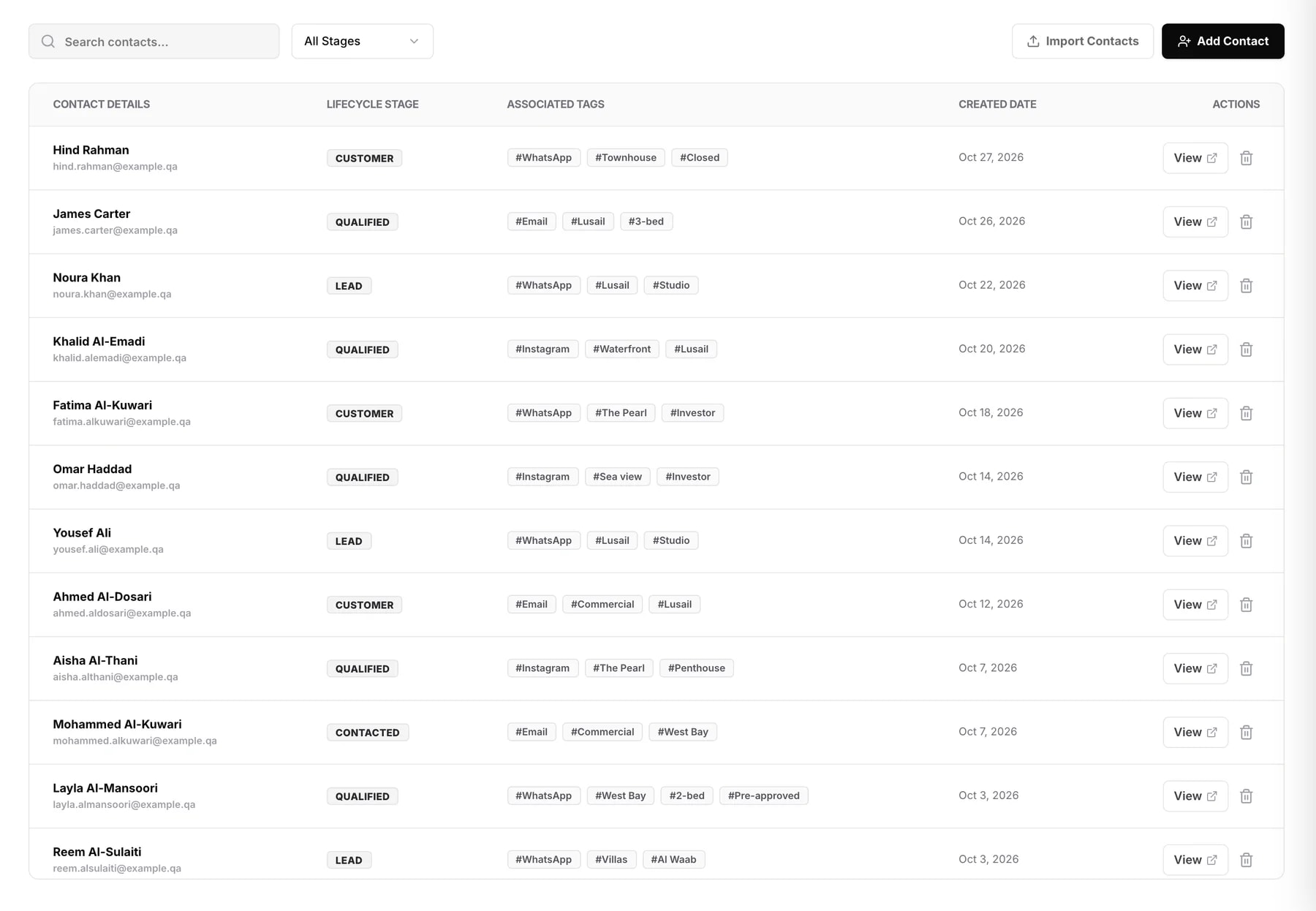
Qualify students, answer course questions and keep the consultation and application steps in one record.
The daily reality01 02 03
Where enquiries usually get lost.
Consultations are booked without the student brief.
Applications stall because nobody owns the next step.
One workflow
From first message to a clear next step.
Capture the course enquiry from the channel the student used.
Record the intake, sponsor and goal once.
Book the consultation and assign an adviser.
Track the application and follow up until the decision.
Every lead, every conversation,
one clear pipeline.
Jutatri keeps your contacts, deals and follow-ups in one place. Every chat, call and campaign updates the record automatically, so your team always knows what to do next.
See your whole pipeline
Move leads from first message to closed deal with a simple drag-and-drop board.
Know the full story
Every chat, call, note and file sits on one contact timeline.
Follow-up happens automatically
When a lead replies or a call ends, your CRM updates the deal and triggers the next step.
Works with your CRM
Sync contacts and deals with HubSpot, Salesforce or Zoho without double entry.
Syncs with HubSpot
 Salesforce
 Zoho CRM
HubSpotSalesforceZoho CRMLet customers book
without the back-and-forth.
Jutatri shows live availability, books the slot and sends the confirmation — inside chat, on a call or from your booking page.
Book in chat or on a call
Customers pick a time without leaving the conversation.
No double bookings
Availability stays in sync with Google Calendar, Zoom and Microsoft Teams.
Meeting links sent automatically
Every confirmation includes the right Zoom or Teams link.
Fewer no-shows
Automatic reminders by WhatsApp, SMS and email keep appointments on track.
Integrates with Google Calendar
 Zoom
 Microsoft Teams
Google CalendarZoomMicrosoft TeamsQuestions
Know the limits before you launch.
The honest answers about what the workspace does and what stays with your existing systems.
Can we manage multiple intakes?
Yes. Use tags, stages or custom fields to distinguish intakes and keep the follow-up relevant.
Can the AI answer course questions?
It can answer from the approved course information you connect. Fees, eligibility and admission decisions should be confirmed by the institution.
Stop losing customersto slow replies.
Put every chat, call and follow-up in one place. Let AI handle the repetitive work while your team closes more deals.
No credit card required · Set up in minutes · Cancel anytime